Mailjet integration allows you to use Mailjet for sending transactional emails through Notifuse.
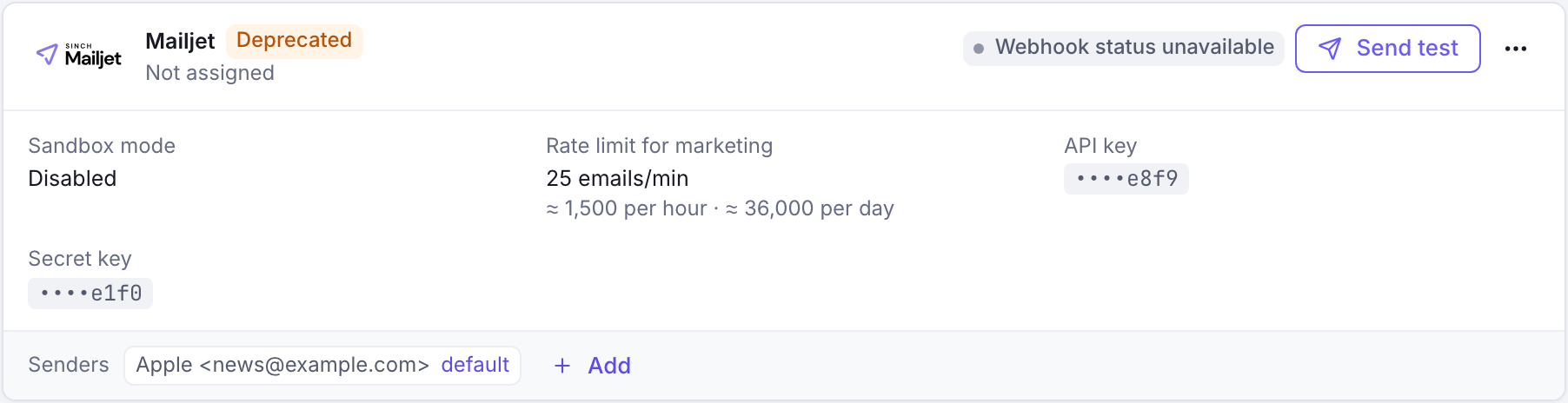
The Mailjet integration is deprecated and will be removed in a later version: Mailjet does not allow sending marketing emails through its API. The console marks it Deprecated.
Configuration
Navigate to Settings → Integrations, click Add integration, then choose Mailjet under Email sending. The form opens full page.
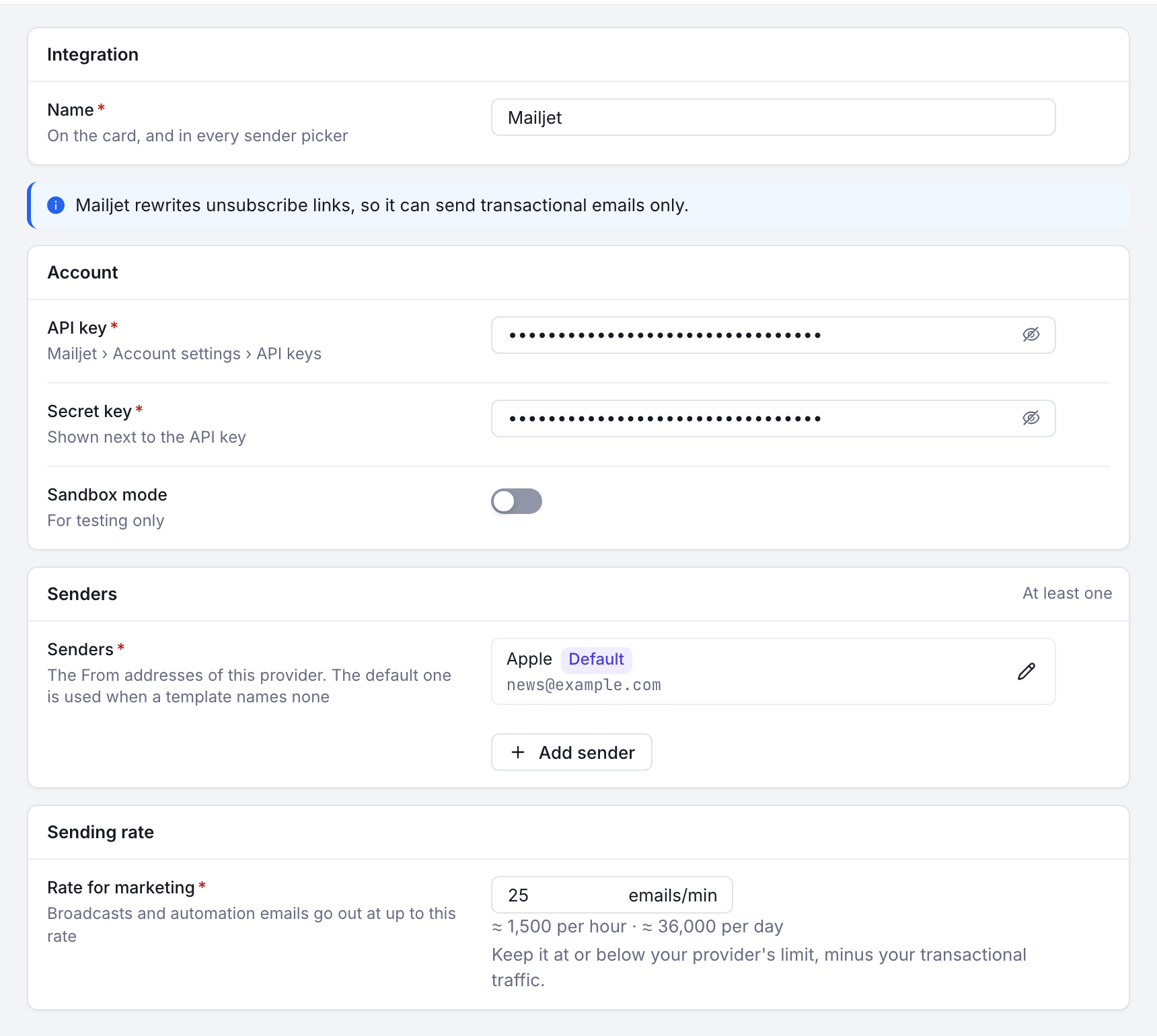
Form Fields
| Field | Description | Example |
|---|---|---|
| API Key | Mailjet public API key | 1234567890abcdef1234567890abcdef |
| Secret Key | Mailjet private secret key | abcdef1234567890abcdef1234567890 |
| Sandbox Mode | Enable sandbox mode toggle | Disabled (for production) |
Senders List
Add sender addresses that have been verified in your Mailjet account:
| Field | Description | Example |
|---|---|---|
| Name | Display name for the sender | Marketing Team |
| Sender email address | marketing@yourdomain.com |
Important: Senders must be verified in Mailjet console before they can be used.
Usage Types
Mailjet can only be used for transactional emails. Mailjet’s API rewrites unsubscribe links, so Notifuse refuses it as the marketing provider of broadcasts:
| Option | Description | Examples |
|---|---|---|
| Use for Transactional | System-generated emails triggered by user actions | Password resets, order confirmations, account notifications |
Webhooks
Notifuse automatically registers the following Mailjet webhooks:
| Webhook Type | Description | Purpose |
|---|---|---|
| Delivery | Email successfully delivered | Track successful deliveries |
| Bounces | Email bounced | Monitor bounces |
| Complaints | Recipient filed abuse complaint | Handle abuse reports |
These webhooks provide real-time feedback on email performance and delivery status.
Prerequisites
Before configuring Mailjet:
- Mailjet Account: Active Mailjet account
- Verified Senders: Email addresses or domains verified in Mailjet console
- API Credentials: Mailjet API key and secret key
Testing
Click Test Integration to verify your configuration.