
Since February 2024, Gmail and Yahoo filter or reject bulk email that doesn’t meet three rules. Notifuse covers the one-click unsubscribe part. Authentication and complaint rates are up to you and your email provider.
The 2024 rules
Info
This section is general email knowledge, summarized from the Google sender guidelines and the Yahoo sender best practices. Check those pages for the current details.
The rules apply to bulk senders. Google counts a sender as bulk once it sends close to 5,000 messages a day to Gmail addresses.
- Authentication. Your domain publishes SPF and DKIM, plus a DMARC record (
p=noneis enough). The domain in the From address must match the domain that passes SPF or DKIM. - One-click unsubscribe. Marketing and subscribed messages carry the one-click unsubscribe headers from RFC 8058, and a visible unsubscribe link in the body. Unsubscribes must take effect within two days.
- Spam rate under 0.3%. Google measures it in Postmaster Tools and recommends staying under 0.1%.
What Notifuse does
It adds the one-click headers
Every email integration adds both headers: Amazon SES, Mailgun, Postmark, SendGrid, SparkPost, Mailjet and SMTP.
List-Unsubscribe: <https://your-endpoint/unsubscribe-oneclick?email=…&email_hmac=…&lids=…&wid=…&mid=…>
List-Unsubscribe-Post: List-Unsubscribe=One-Click
The link uses the workspace’s custom domain when it has one. It carries a signature of the address, so nobody can unsubscribe someone else by editing it.
Only on emails sent for a list
The headers name the list the contact leaves, so Notifuse adds them only to emails sent for a list:
| Carries the headers | |
|---|---|
| Broadcast with Exclude unsubscribed recipients on (the default) | Yes |
| Broadcast with Exclude unsubscribed recipients off | No |
| Automation email (an email step needs the automation’s list) | Yes |
| Test email sent with a Mailing list chosen | Yes |
| Transactional email sent through the API | No |
Switching Exclude unsubscribed recipients off is meant for notices every member must receive, such as security or legal notices. Mail clients then show no Unsubscribe button on that broadcast. See Notices for every member.
Transactional emails, such as password resets and receipts, are not sent for a list and carry no list links.
How the unsubscribe endpoint answers
When the contact clicks the mail client’s Unsubscribe button, the mail client sends a POST to the link with List-Unsubscribe=One-Click in the body. Notifuse checks the signature and unsubscribes the contact from the list right away. A POST without that token gets a 400 error and unsubscribes nobody.
A GET on the same link never unsubscribes anyone. Anti-spam filters open these links on their own, and mail clients that don’t offer one-click open them in a browser. Notifuse redirects those visits to the notification center, which shows the list and asks the contact to confirm.
The contact’s status on the list becomes unsubscribed. An unsubscribe never replaces a bounced or complained status.
Mail clients only offer one-click when the DKIM signature covers both headers. Your email provider applies that signature, so authenticating your domain with it is what makes the button appear.
What you still have to do
- Authenticate your domain with SPF, DKIM and DMARC, using the records from your email provider. Notifuse doesn’t check them. See Authenticate your domain.
- Keep an unsubscribe link in the body. Add
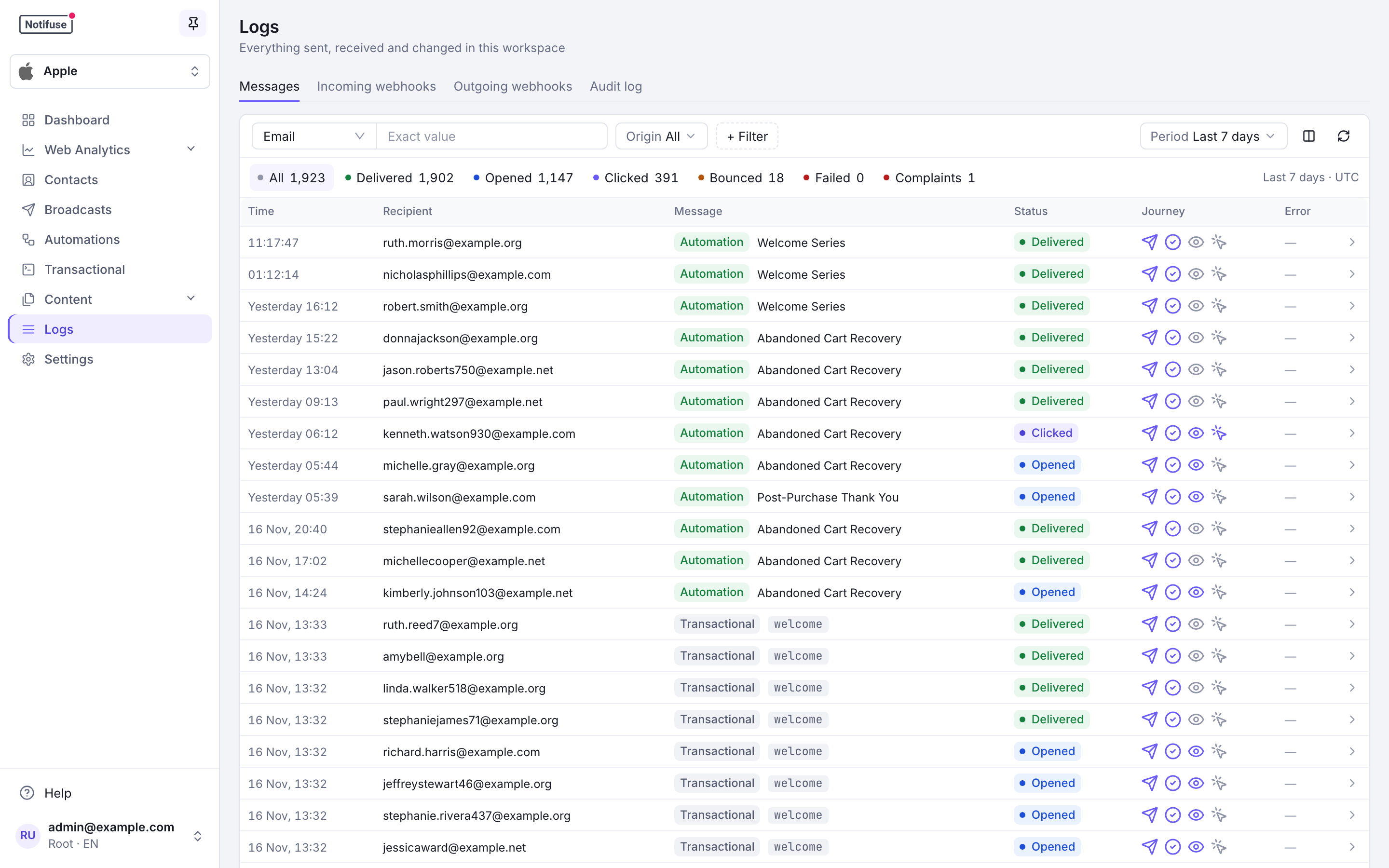
{{ unsubscribe_url }}to your marketing templates. See Unsubscribe link. - Watch complaints. In Logs, the Messages tab counts Complaints, and the Incoming webhooks tab filters provider events by Type. To be notified, subscribe a webhook to
email.complainedorlist.complained. - Watch your Gmail spam rate in Postmaster Tools. Notifuse doesn’t compute a spam rate or read Postmaster Tools. Its complaint count covers what your provider reports, which may not include every complaint Gmail records.
Notifuse stops sending broadcasts and marketing automation emails to contacts who complained. See Bounces and complaints.