
Mailbox providers trust a new domain slowly. If it starts with large sends, they tend to delay or filter its email. Warming up means raising the volume over a few weeks, starting with the contacts most likely to open.
Notifuse has no automatic warm-up
Notifuse has no warm-up schedule and no daily cap. A broadcast goes to its whole audience, at the integration’s sending rate. You run the ramp by hand with two settings: how fast the integration sends, and who each broadcast goes to.
Set the sending rate
Open Settings → Integrations, then the email integration. In the Sending rate panel, Rate for marketing sets how many emails per minute broadcasts and automation emails go out at. The default is 25 per minute, and the panel shows the matching estimates per hour and per day.
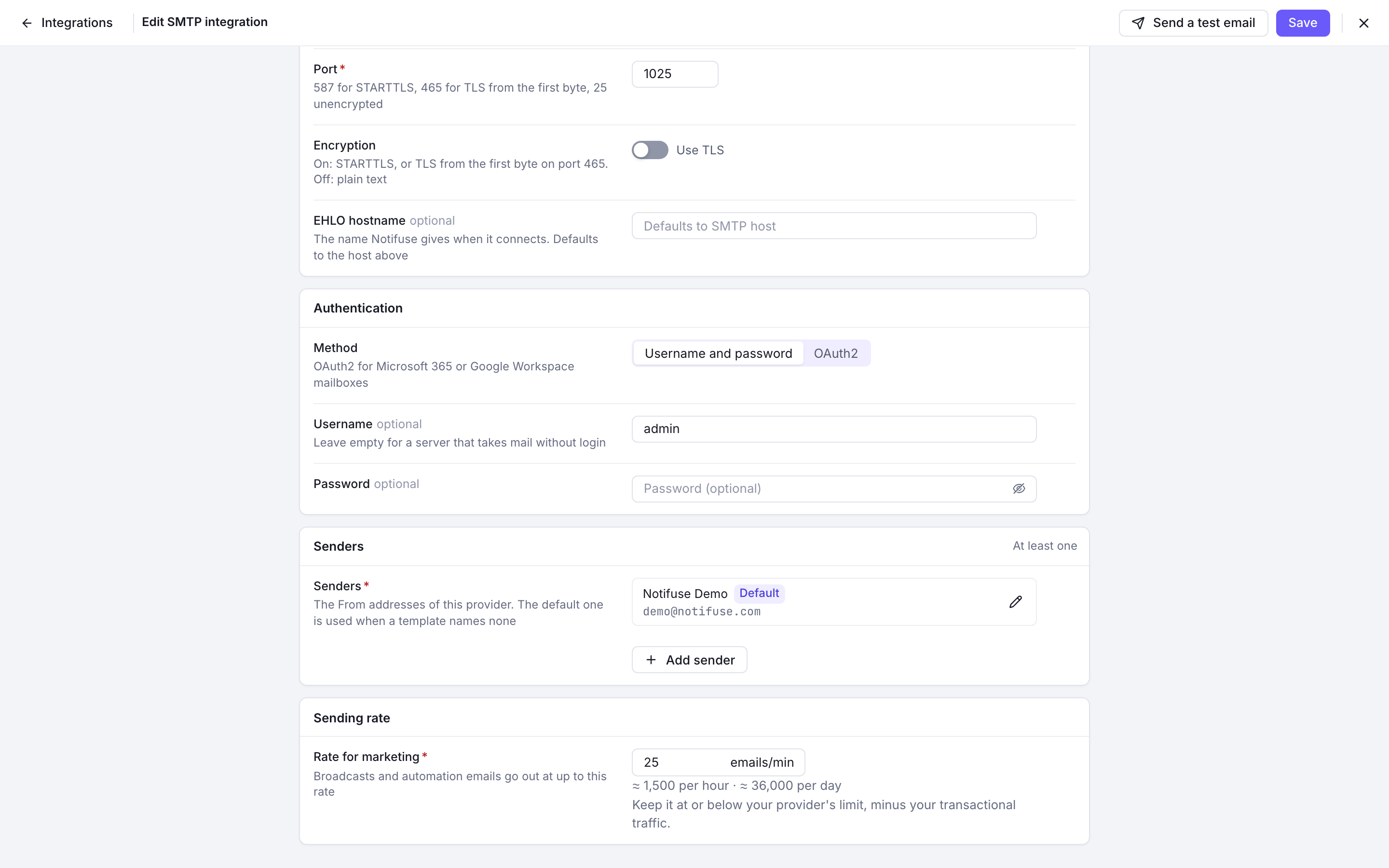
The rate limits speed, not volume. At 25 per minute, a broadcast to 20,000 contacts still reaches all of them, over about 13 hours. To send fewer emails in a day, narrow the audience (see the next section).
Transactional emails are not throttled: they go out as soon as the API is called. They count toward the volume your domain sends, and you can’t slow them down in Notifuse.
See Sending speed for how the rate applies across integrations and instances.
Send to engaged contacts first
A broadcast targets one list, which you can narrow with segments. Activity conditions such as Email opened or Email clicked, with a timeframe of the last N days, select the contacts most likely to open.
A ramp then looks like this:
- Build a segment of contacts who opened or clicked in the last 30 days, and send your first broadcasts to it.
- Widen the timeframe to 90 days, then 180 days, as the results stay healthy.
- Send to the whole list once the domain has a few weeks of good results.
Recent subscribers who confirmed a double opt-in are also a safe early audience.
A sample four-week schedule
Info
This schedule is a common practice, not a Notifuse rule. The right pace depends on your provider, whether you send from shared or dedicated IPs, and how engaged your list is. Adapt it, and follow your provider’s own guidance where it has some.
| Week | Emails per day | Who receives them |
|---|---|---|
| 1 | 500, rising to 2,000 | Opened or clicked in the last 30 days |
| 2 | 2,000, rising to 5,000 | Opened or clicked in the last 90 days |
| 3 | 5,000, rising to 20,000 | Opened or clicked in the last 180 days |
| 4 | 20,000, rising to your full volume | The whole list |
Before each step up, check your bounces and complaints in Logs. If they rise, stay at the current step or go back one. A common target is under 2% bounces and under 0.1% complaints.
When the provider asks you to slow down
If the rate is above what the provider accepts, it answers that emails arrive too fast: an HTTP 429, or a throttling error from Amazon SES. The integration then slows down by a quarter each time, down to a tenth of its limit. Once emails go through again, it climbs back by 5% of its limit every 10 seconds.
The refused email is sent again at the slower pace, and the broadcast keeps sending. Each climb past the provider’s limit still costs a few refused emails, so keep the rate at or below what the provider accepts.
A refusal that names a daily, hourly or monthly quota is not “too fast”. It counts as a failure, and after 5 failures in a row the broadcast pauses. New provider accounts often start with a low daily quota, so check yours before a large send. See When the provider asks to slow down and Circuit breaker protection.